<이클립스 윈도우 빌더 설치하기>
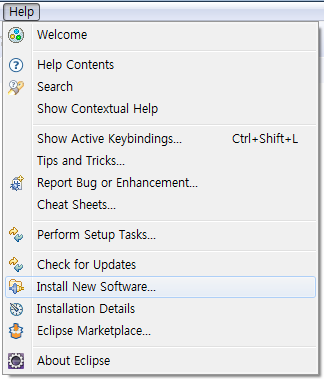
1. 이클립스 실행 후 Help – Install New Software 선택
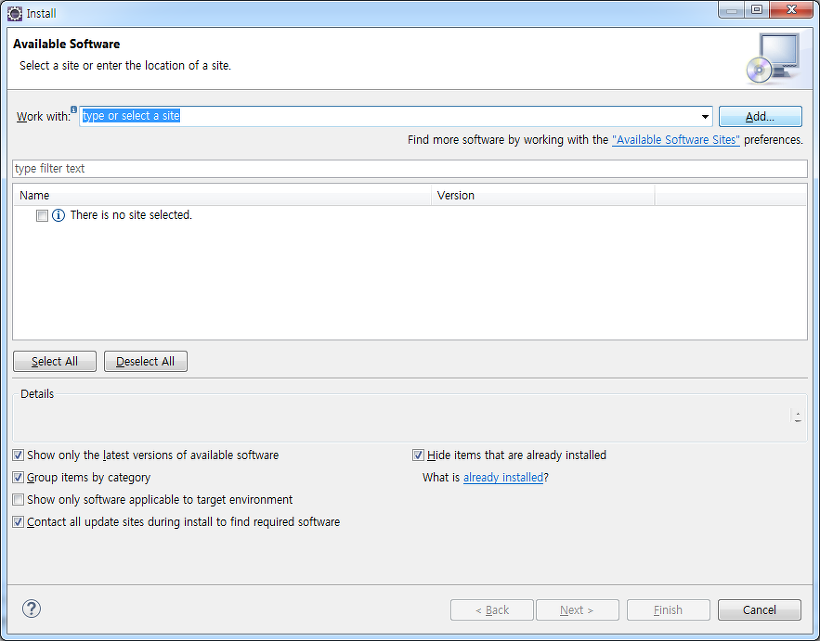
2. Add 선택
3. 아래와 같이 입력
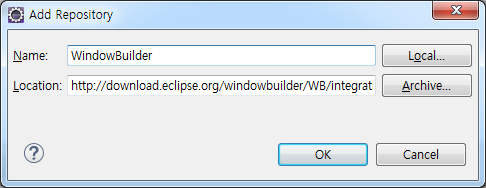
Name : WindowBuilder
Location : http://download.eclipse.org/windowbuilder/WB/integration/4.5/
4. Select All – Next
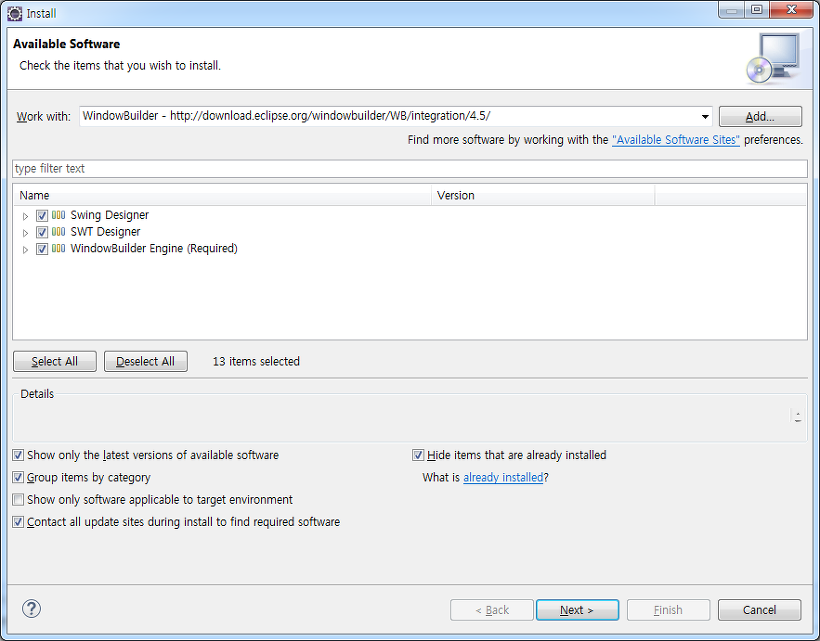
5. Next
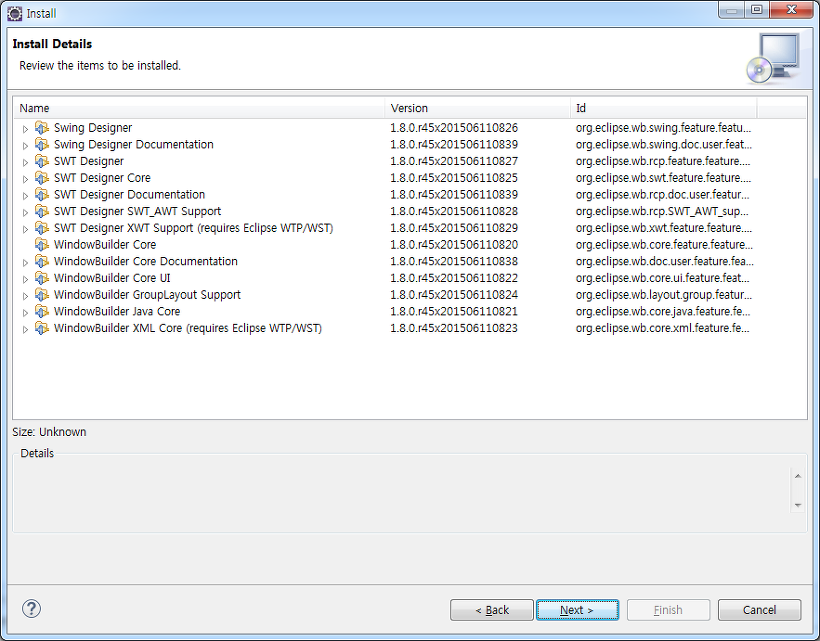
5. Next
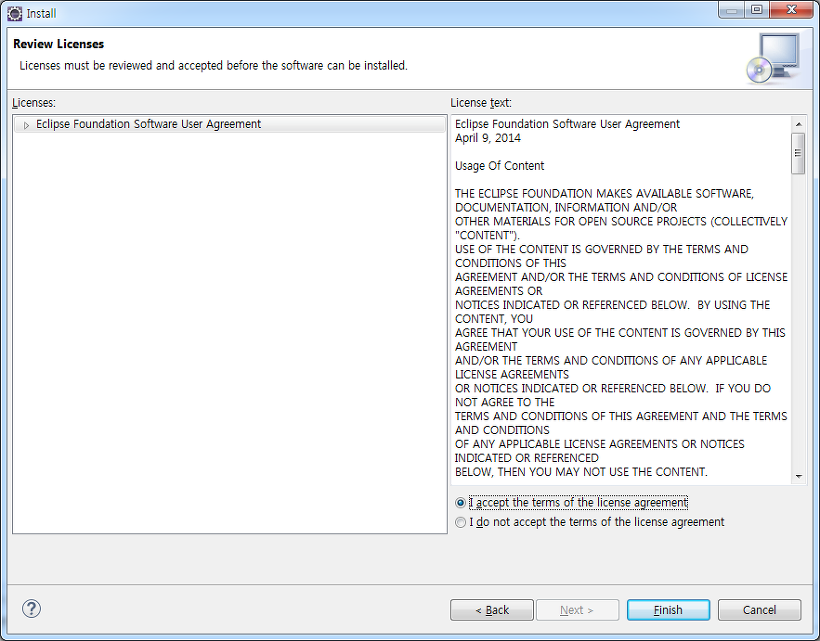
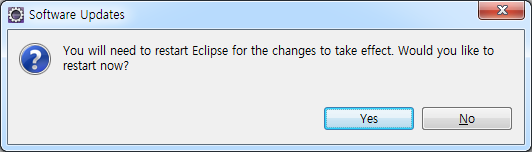
6. Restart Eclips
<이클립스 윈도우 빌더 설치하기>
1. 이클립스 실행 후 Help – Install New Software 선택
2. Add 선택
3. 아래와 같이 입력
Name : WindowBuilder
Location : http://download.eclipse.org/windowbuilder/WB/integration/4.5/
4. Select All – Next
5. Next
5. Next
6. Restart Eclips
답글 남기기